

Welcome to China BuKe Printing Co.,Ltd, please choose:
ISO9001 quality /ISO14001 environmental management system certification/FSC
China BuKePrinting Manufacturer
 简体中文
简体中文 繁體中文
繁體中文 English
+86-136-3297-9900
Erison@book0755.com

Knowledge quantity is leading in our printing industry

Learn printing knowledge
Learning printing not only needs to learn professional knowledge in the industry, including the knowledge points of pre-press, printing and post-process of printing.
Learn printing industry knowledge, printing process knowledge, printing color knowledge And more knowledge of customer needs. Learn common problems encountered in printing and solve them.


Contact us
Free sample
E-mail:
Erison@book0755.com
Jiatong@book0755.com
WhatsApp/Tel:
+86 13632979900
Wechat:


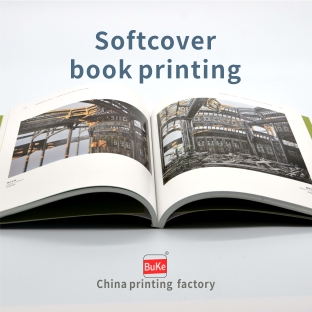
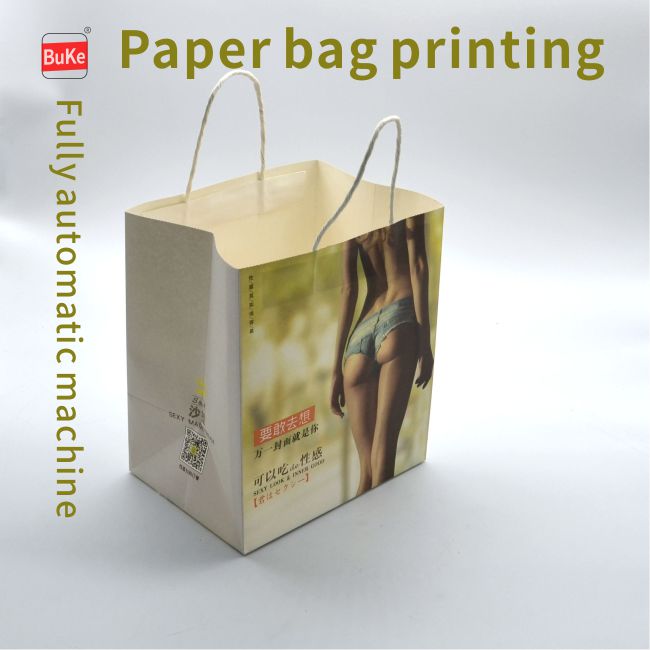
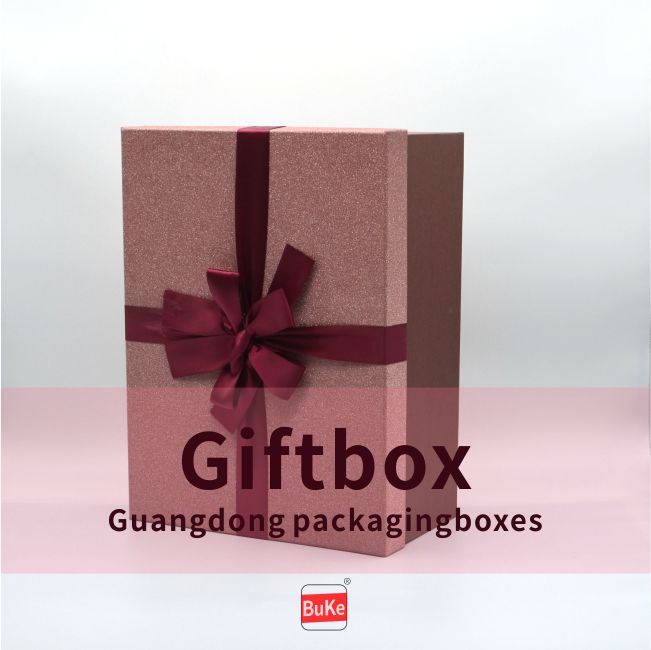
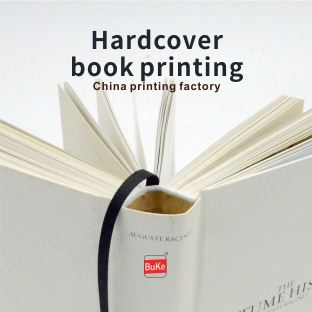
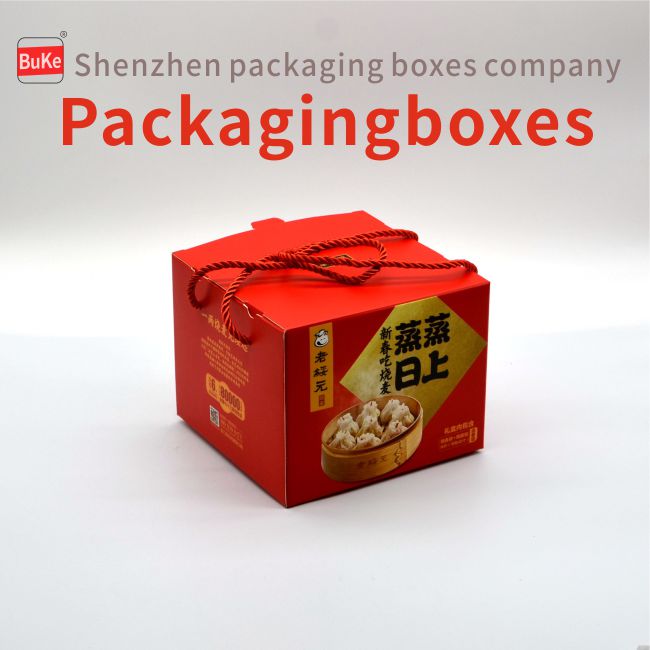
China Printing Factory/Printing Company/Printing Album/Packaging Box Printing/Packaging Box Customization/Handbag Printing/Textbook Printing/Color Box Printing/Printing Factory Shenzhen/Packaging Printing Factory/Paper Box Printing Album/www.book0755.com/No.91 Industrial Avenue Pinhu Street Longgang Shenzhen Guangdong China / 518111
China Guangdong Shenglongda Printing/Hualiantai Paper Packaging/China Buke Printing Co., Ltd/Shenzhen Buke Trading Co.,Ltd Sitemap 繁体 简体
公安網備:粵ICP備2022046155號-1
ISO certification
Advanced equipment
Delivery
to door
After-sale service
Heidelberg , and
other imported equipment



ISO9001 / ISO14001
FSC forest certification
Domestic to door
International to door
After-sales service
Free reprint of quality problems


E-mail: Erison@book0755.com
Jiatong@book0755.com
Sales1: +86-136-3297-5453
Sales2: +86-136-3297-9900
WhatsApp: +86-136-3297-9900
HongKong Tel: 0852-98817727


